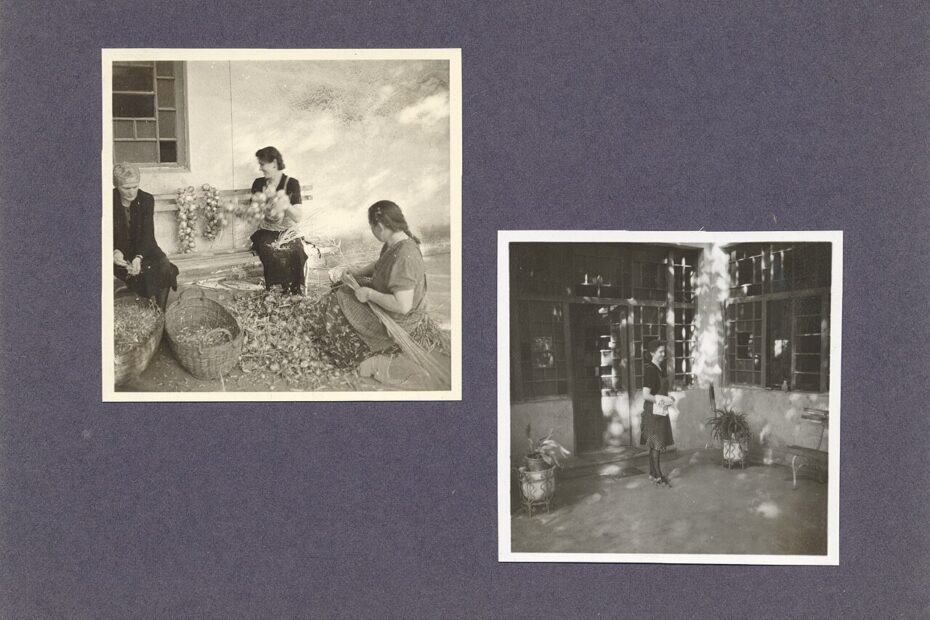
A family photo collection has two jobs: preserve the files and preserve enough context for someone to understand them. A perfectly backed up image of an unidentified gathering can still lose much of its meaning. A beautifully labeled album is equally vulnerable if its only copy is on a failing phone. Build preservation and organization together, using a structure simple enough that another family member could continue it.
Gather an inventory before moving files
List where photographs currently live: phones, computers, old drives, memory cards, cloud accounts, messaging threads, and printed albums. Note who controls each account and whether anyone else can access it. Do not begin by combining everything and deleting duplicates. First identify collections that may contain unique originals, especially older camera folders and images belonging to relatives who no longer use the original device.
Choose a working home for the collection, whether that is a photo application or a folder archive on a computer. Make a separate backup before major reorganization. If a service synchronizes changes across devices, understand its deletion behavior before removing anything. A cloud library can be convenient for everyday viewing, but its account access and synchronization rules should not become mysteries at the moment you need to recover a photograph.
Keep originals separate from convenient copies
Preserve original image and video files when possible. A photograph saved from a messaging conversation may be a smaller or altered copy of the camera original. Ask relatives for the original file when quality matters, particularly for printing or long term preservation. Retain useful associated files when an export supplies them. Do not remove unfamiliar metadata files automatically simply because they do not look like photographs.
Google’s download documentation notes that an operating system may assign a new file timestamp when photos are downloaded, while photo metadata can still contain relevant details. That distinction matters when sorting an export. A file created on your computer today may show an event from years ago. Examine the image’s date information before assuming a whole batch belongs in the year it was downloaded.
Use a structure that survives a change of software
For a folder archive, start with years and add meaningful event folders where helpful. A name such as 2024-08 Lake Holiday explains more than Summer Photos Final. Keep uncertain dates honest: an undated family gathering should not acquire a guessed exact date merely to fit the structure. A folder called Approximate 1980s is more useful than confidently filing it under the wrong birthday.
For an application based library, use albums for projects and events without assuming that the albums themselves are independent copies. Learn how to export original files and any organizational information you want to retain. Google’s export guidance describes downloading an archive of account data, including photographs. Learn the equivalent process for your service and inspect a small export before relying on it for the entire collection. Confirm what the archive preserves.
Add context while people can still provide it
Write down names, places, approximate dates, and why an image matters. A short caption saying Aunt Rosa outside her first bakery is more valuable than a perfect filename full of abbreviations nobody else understands. For important events, keep a plain text note inside the relevant folder or use a documented caption field. Include who supplied uncertain information so future family members can distinguish memory from established fact.
Invite relatives to identify a manageable selection rather than asking them to label an entire archive. Send a small set through an agreed private channel or review it together in person. Keep original spellings of names and record relationships where useful. Do not rely exclusively on automatic face grouping; it can assist discovery, but it should not be treated as an authoritative record of someone’s identity.
Remove duplicates cautiously
Begin with obvious duplicate exports or repeated downloads, and compare images at a useful size. Similar photographs may be different frames with different expressions, focus, or people visible at the edge. A lower resolution copy may also carry a caption that the original lacks. Preserve the useful information before removing a redundant file. If your software offers automated duplicate merging, read how it chooses the retained version.
Work on a backed up collection and keep uncertain cases for later. You do not need to eliminate every duplicate to make an archive useful. Prioritize removing clutter that obstructs browsing, such as accidental screenshots mixed into a family event, while maintaining the original archive copy. Make favorites or a curated album for everyday enjoyment so relatives do not have to search through every near identical photograph.
Plan for access beyond your own devices
Keep at least one protected copy outside the primary device’s likely failure. Consider an encrypted external drive stored separately and a suitable offsite copy, according to your household’s needs. Test a sample recovery that includes an older photograph and a video. Verify that the recovered files open and that important context remains available. A directory listing alone does not prove that the collection is usable.
Leave a short guide explaining where the archive lives, how it is organized, how it is backed up, and how an authorized family member can obtain access. Store account recovery material securely rather than placing passwords in the guide. Revisit the arrangement when you change phones or photo services. The collection is ready for the long term when its files, its stories, and the means to retrieve both can survive a change of device or caretaker.
Sources
Image: Hungarian family photo album, page 44 by Unknown authorUnknown author / Wikimedia Commons. Public domain. Resized and compressed.
