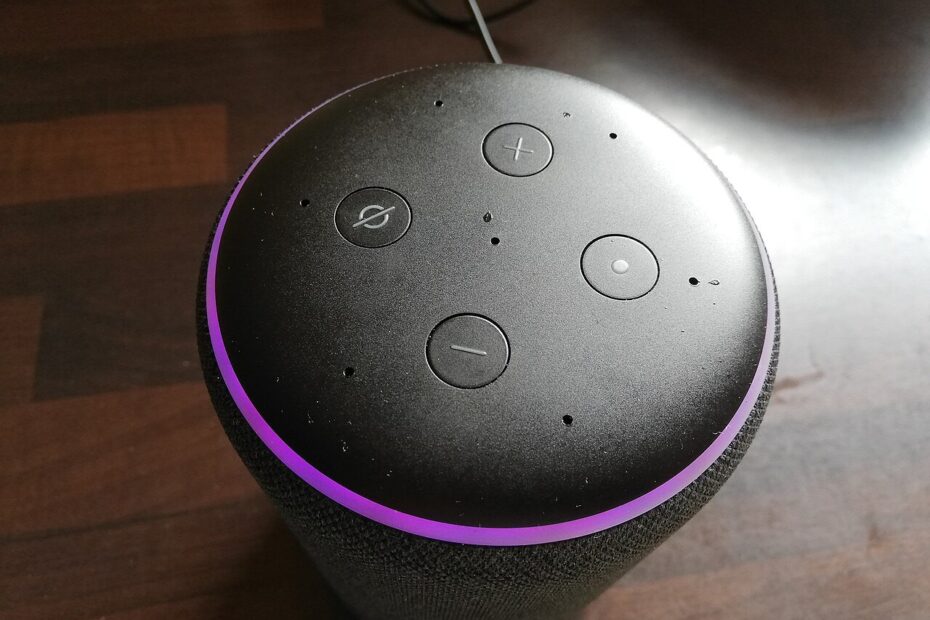
The most useful smart home usually begins with one repeated annoyance. Perhaps you want a hallway light available when your hands are full, or you regularly forget whether a lamp is on downstairs. Choose a problem with a clear solution before choosing an ecosystem. A collection of connected products is easy to accumulate; a home that remains understandable to everyone living there takes a little more thought.
Pick one low consequence experiment
Start with a device whose failure would be inconvenient rather than dangerous. A lamp controlled through a properly rated smart plug can be easier to evaluate than a door lock, heating control, or essential safety device. Follow the plug manufacturer’s electrical limits and permitted uses. Do not assume that a product suitable for a table lamp is also suitable for a heater, large appliance, or outdoor installation.
Describe what success looks like before buying. For example: a household member can turn on the reading lamp without opening a phone app, and the lamp remains usable if the internet is unavailable. That requirement directs attention toward physical controls and local behavior. It also gives you a fair way to judge the purchase after the novelty wears off. If the device adds more steps than it removes, revise the experiment.
Draw a small dependency map
List what the proposed device needs: Wi-Fi, a hub, an internet connection, a manufacturer account, a phone, or a particular voice assistant. Marketing phrases about compatibility can hide different requirements for different features. Read the manufacturer’s setup documentation for the exact product version. Check whether the function you want works directly or needs an additional bridge, subscription, or controller that is not included in the box.
Ask what happens when each dependency is missing. Can you switch the light manually? Does a schedule continue during an internet outage? Will another household member need your unlocked phone to operate it? These are product specific questions, so look for documented answers rather than assuming every device using the same label behaves identically. Keep a simple diagram or note if the arrangement involves more than one application.
Prepare the account and network
Create a unique account password and enable additional authentication where supported. Check the device maker’s update policy, available security controls, and support resources before purchase. The FTC recommends securing connected devices and keeping software updated. Make sure the person responsible for the home can receive important account notices. A device registered to a temporary email address or a departing housemate can become difficult to manage later.
A separate network for connected devices can be useful when your router supports appropriate separation, but check the practical effects. Isolation may prevent your phone or controller from discovering a device, and some guest networks restrict communication needed for setup. Follow the router and device documentation. Do not disable network protections indiscriminately to make discovery work, and do not expose a device directly to the internet because a forum suggests it.
Install one device and leave time to observe it
Give the device a plain name that describes its role, such as Hall Lamp. Avoid similar names that make voice commands ambiguous. Update its firmware using official tools, check time settings where relevant, and try its ordinary controls before creating automations. Label any unusual physical switch arrangement so visitors and household members understand what happens when the switch is used.
Live with the device through several ordinary routines. Try it when your phone is charging elsewhere, when another person operates it, and when you return home after being away. Test a temporary internet interruption only if it is safe and does not disrupt anyone’s essential work. Record what still works and what does not. A short observation period can reveal whether a clever automation solves your actual problem.
Automate situations, not every possible event
Begin with one predictable rule. A light scheduled for a regular evening task may be easier to understand than a chain involving movement, presence detection, weather, and several time conditions. Include an obvious manual override. If someone turns a light off to watch a film, an automation that immediately turns it back on is working against the household, even if its logic is technically correct.
Discuss shared spaces before adding cameras, microphones, or occupancy based routines. A technical permission screen does not replace agreement from people affected by the setup. Consider camera placement, recording access, notification content, and retention settings. For security cameras in particular, the FTC recommends protecting both the device and the accounts used to view it. Do not install a recording device merely because it came bundled with a hub.
Keep a record and a way out
Maintain a private inventory with device names, model numbers, installation locations, update arrangements, and account ownership. Store passwords in a suitable password manager rather than the inventory. Record how to reset and remove each product when you eventually replace it. If a device is sold or given away, follow the manufacturer’s instructions for account removal and resetting rather than assuming unplugging it removes your information.
Expand only when the first addition remains useful and manageable. You may discover that another physical switch solves the next problem more simply, or that a second compatible device genuinely improves the routine. A sensible smart home earns its complexity. It should make a small task easier today while leaving the household able to understand, operate, and maintain the system tomorrow.
Sources
Image: Alexa Amazon Echo Smart Speaker – Flashing Purple Ring (Creative Commons) (51048330138) by Smart Home Perfected / Wikimedia Commons. CC BY 2.0. Resized and compressed.
